Mobile App Promotion Offline: From QR Scan to Install
Mobile app promotion in the physical world: the right install moment, one QR code for iOS and Android, a first-use offer and attribution for offline installs.
10 min readFortuners Team
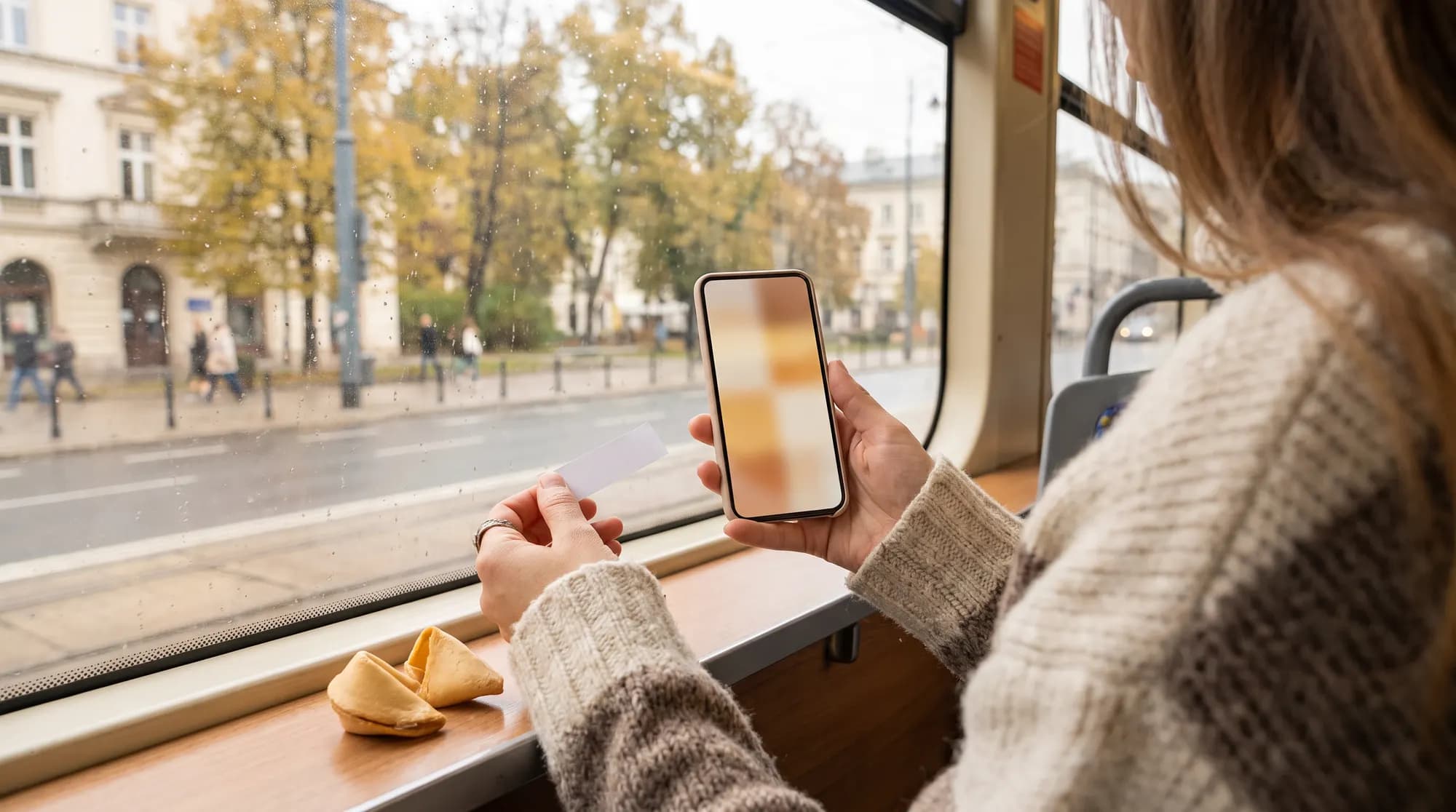
Mobile app promotion usually means app store optimisation, paid social and search ads. Offline channels make sense when your app works in a specific city or district and you can meet future users at a moment when they have both the time and a reason to install it. To turn that kind of campaign into downloads, you need four things: the right moment of contact, one QR code that sends people to the right store on iOS and Android, a first-use offer with a code and attribution that connects the scan to the install and the first transaction.
When a mobile app needs offline channels
Not every app benefits from a campaign in the physical world. It pays off most when the app's value is tied to a place and its users are concentrated in a defined area.
| App type | Offline moment that fits | Example first-use offer |
|---|---|---|
| Grocery or food delivery | lunch near the office, afternoon coffee close to home | free delivery on the first order |
| Bookings for classes, appointments, tables | a work break, meeting friends | a discount on the first booking |
| Cinema, concert and event tickets | dinner before a night out | a second ticket free with the first purchase |
| Home services (cleaning, repairs) | weekend breakfast in the neighbourhood | a discount on the first service |
| App of a local chain (gyms, cafés, shops) | a visit to a partner location | welcome points in the loyalty programme |
Offline campaigns are especially useful when you launch a service in a new city or district. A user on the other side of the country gains nothing from installing an app that doesn't work where they live yet, so precise placement matters more than reach. Offline doesn't replace app store optimisation or paid campaigns. It adds a layer that reaches people inside your service area at a moment when they are open to trying something new. For campaign scenarios in other industries, see our marketing campaign examples for local brands.
The install moment: when people have time and a reason
Installing an app takes several steps: scan, store, download, sign-up, sometimes permissions and phone number verification. Some people drop out at every step, which is why the moment of contact matters so much.
Good moments are situations where someone is sitting, waiting and holding their phone: waiting for the bill in a restaurant, a coffee break, a tram ride, a waiting room. Bad moments are walking down the street, entering the office or standing in a checkout queue about to pay.
The second condition is a reason right now. The offer should answer a need that comes up in the same situation or soon after. A guest finishing lunch at a bar near an office building might order lunch delivered to the office tomorrow. A couple after dinner is already planning their next night out. Someone riding the tram home from work is thinking about groceries for the evening.
Not everyone will install the app on the spot. That's why the page behind the QR code should present the offer and the code in a way people can come back to later: with an expiry date and instructions on where to enter the code in the app.
One QR code for the App Store and Google Play
Two QR codes side by side, one for the App Store and one for Google Play, force an extra decision and leave less room for the offer. A better solution is one code pointing to a link on your own domain that:
- redirects iPhones to the App Store,
- redirects Android phones to Google Play,
- shows desktop visitors and unusual devices a page describing the app, with both store buttons,
- opens the app straight to the offer screen if it's already installed (a deep link, handled by Universal Links on iOS and App Links on Android).
A link on your own domain has one more advantage: after the materials are printed, you can change the destination without changing the code. Don't print codes that lead to services you don't control. A recent example is Firebase Dynamic Links: Google shut the service down on 25 August 2025 (opens in a new tab), and links served by it stopped working. For design, size and testing tips, see our QR code marketing guide.
| Option | Pros | Cons | When to choose it |
|---|---|---|---|
| Direct redirect to the store | shortest path to install | less room to explain the offer | the offer is simple and fully described on the printed material |
| Offer page with store buttons | room for the code, terms and expiry date, easier measurement | one extra tap | the offer needs explaining or a code to enter |
| Deferred deep link to the offer | after install, the app opens straight to the offer and code | requires a deep linking tool and testing | you have a mobile team and a large campaign |
Add campaign parameters to your store links from the start. App Store Connect lets you create campaign links (opens in a new tab) with a campaign token, which show aggregated data on product page views and downloads. Keep the limits in mind: a download counts towards the campaign only when it's a first-time download within 24 hours of using the link, and each metric appears only once it reaches Apple's minimum threshold for the selected date range. On Google Play, you can pass a referrer parameter with UTM tags in the store link, and the app reads it on first launch through the Install Referrer API.
First-use offer: code, credit, free delivery
The install itself isn't the goal. An app that someone downloaded and never opened boosts your download numbers but earns nothing. That's why the offer should reward the first transaction or the first meaningful action.
| Offer | Good for | Risk | Safeguard |
|---|---|---|---|
| Discount on the first order | delivery, shopping, tickets | people creating multiple accounts | one use per account and phone number, new accounts only |
| In-app wallet credit | mobility, pay-per-use services | credit that expires unused | short expiry, a reminder |
| Free delivery | delivery with a minimum basket | trial-only orders | minimum order value |
| Free trial | subscriptions | cancellation before the first payment | clear terms, no hidden fees |
| Welcome points | chain loyalty programmes | points with no real value | a reward reachable on the first or second visit |
The code on printed material should be short, avoid characters that are easy to confuse (O and 0, I and 1) and be unique to the point of contact. Put the promotion terms in writing, and if you sell digital content or subscriptions in the app, check the App Store and Google Play rules on promo codes, because both stores have their own requirements.
Campaign scenario in restaurants and cafés
The scenario below is a template to adapt. The brand and venues are fictional.
Advertiser: a grocery delivery app launching deliveries in Warsaw's Wola district that wants to reach people who work and live in the new service area.
Locations: lunch bars near office buildings and neighbourhood cafés within the delivery zone. Lunch bar guests are people with no time to shop after work, and the cafés are frequented by local residents.
Contact: guests get a fortune cookie with their bill. Below the fortune is the app's offer and a QR code.
Tonight you'll find something better to do than queue at the shop.
Code WOLA-START.
After the scan: an offer page with the code, the expiry date, confirmation that deliveries run in this district and short instructions: download the app and enter the code with your first order. If each venue has its own code variant, the brand knows where every user came from.
Timeline:
- Two weeks before launch: codes for each venue, offer page copy, a code field in the app, and end-to-end tests on several iOS and Android phones.
- One week before launch: venues approve the content, materials are produced and delivered.
- Four-week campaign: a weekly review of scans and code redemptions by venue.
- After the campaign: compare new accounts from Wola with the period before the campaign and with a district where the campaign didn't run.
In this model, Fortuners matches venues to the target group, writes the fortunes, produces and delivers the cookies, and the QR code leads to an offer page where scans and code copies are counted by venue. The brand measures installs and orders in its own tools, using the campaign codes. You can see the process in How it works, and the full range of formats in restaurants and cafés in our guide to advertising in restaurants.
Attribution for offline app installs
An app campaign funnel has more stages than a regular discount code campaign, and each stage is measured with a different tool.
| Stage | Metric | Data source |
|---|---|---|
| Contact | materials handed out | stock count, campaign dashboard |
| Scan | QR scans by location | redirect counter, campaign dashboard |
| Store | product page views, campaign downloads | App Store Connect, Google Play Console |
| Install and first launch | installs attributed to the campaign | Install Referrer API, mobile attribution tool |
| Sign-up | new accounts with a campaign code | app backend |
| First transaction | orders with a code | order system |
The weakest link is the step from scan to install. On Android, the referrer parameter passes through Google Play to the app. On iOS there's no such direct handover, and App Store Connect data is aggregated. That's why in an offline campaign the most reliable link is the promo code: users carry it from the offer page into the app themselves, and you know which venue they came from. Mobile measurement partners (MMPs such as AppsFlyer, Adjust or Branch) help connect clicks to installs and handle deferred deep links, but their accuracy depends on the operating system, user consent and configuration.
A geographic test fills the gap: compare new accounts in the campaign district with a similar district without the campaign. It captures people who saw the offer but installed the app later, without the code. We cover control groups in more depth in our guide to offline marketing attribution.
Illustrative example (made-up numbers, not a benchmark):
- 4,000 cookies handed out in 8 venues,
- 120 scans, or 3 scans per 100 cookies,
- 46 accounts created with a campaign code, or 38% of scans,
- 27 first orders with a code, or 59% of new accounts,
- 11 people who placed a second order within a month.
Calculate acquisition cost as the campaign cost divided by the 27 first orders, not the 120 scans. An even better picture comes from the cost of acquiring a user who came back for a second order, set against what such a customer spends in the app over several months.
Privacy and consent
An app campaign touches several areas of law and store policy. These are general pointers: check the details with a lawyer and with the documentation of the tools you use.
- App Tracking Transparency (iOS). If the app tracks users across other companies' apps and websites or accesses the advertising identifier, it must ask for permission first. Apple explains the rules on its User Privacy and Data Use (opens in a new tab) page and, regardless of permission, forbids fingerprinting, meaning identifying a device from its characteristics, including through third-party SDKs.
- GDPR on the offer page. If you collect an email address or phone number after the scan, give the information the GDPR requires, including who the data controller is, the purpose and legal basis of processing and how long you keep the data. Collect only what you need to deliver the offer.
- Marketing consent. Sending offers by email or text message requires prior consent. In Poland, these rules have been set by the Electronic Communications Law (Prawo komunikacji elektronicznej) since 10 November 2024. Collect consent with a separate checkbox that isn't ticked by default, and agree your approach to push notifications with a lawyer.
- Analytics on the offer page. Analytics and advertising tools that store information on the device usually require the user's consent. Basic server-side scan counting doesn't need cookies.
- Third-party tools. If data goes to an attribution provider, include it in your privacy policy and sign a data processing agreement.
Checklist before you print
- The link on your domain detects iOS, Android and desktop
- QR code tested on several phones and in poor lighting
- Deep link opens the offer if the app is already installed
- A separate promo code for each venue or location
- Code field visible at sign-up or the first order
- Campaign parameters added to App Store and Google Play links
- Offer page loads fast on a phone, with an expiry date and instructions
- Promotion terms and privacy notice ready
- Funnel report from scan to first transaction set up before launch
If you'd like to find out which venues your app's future users already visit, get in touch.
Frequently asked questions
How do I make one QR code for both the App Store and Google Play?
Point the QR code at a link on your own domain that detects the phone's operating system and redirects to the right store, while desktop visitors see a page about the app. You can build this with a simple server-side redirect or a deep linking tool. Before printing, test the code on several iOS and Android phones.
How can I tell how many installs an offline campaign brought?
The most reliable method is a promo code entered at sign-up or passed into the app through a deep link, with a separate code for each location. Add campaign parameters to your store links (App Store Connect and Google Play), data from a mobile attribution tool and a comparison with districts where the campaign didn't run.
Do I need App Tracking Transparency consent to measure installs from a QR code?
ATT permission is required when an app tracks users across other companies' apps and websites or accesses the advertising identifier. A promo code entered inside your own app usually doesn't need it, but check how your attribution tools are configured against their documentation and with whoever is responsible for privacy.
What offer works best to get people to download an app?
One that rewards the first use rather than the install itself: a discount on the first order, free delivery, credit for the first ride or a free trial of the service. Limit the offer to new accounts, one use and an expiry date.